Deutsch
 English


Instructions for the University Sports Registration System
Get organized for your busy semester and sign up for appointments, classes, and events. Here’s how it works:
Where can I find the registration system?
Visit the SITUC homepage—click the “University Sports System” button on the homepage to go directly to the registration page.

How do I find current fitness classes?
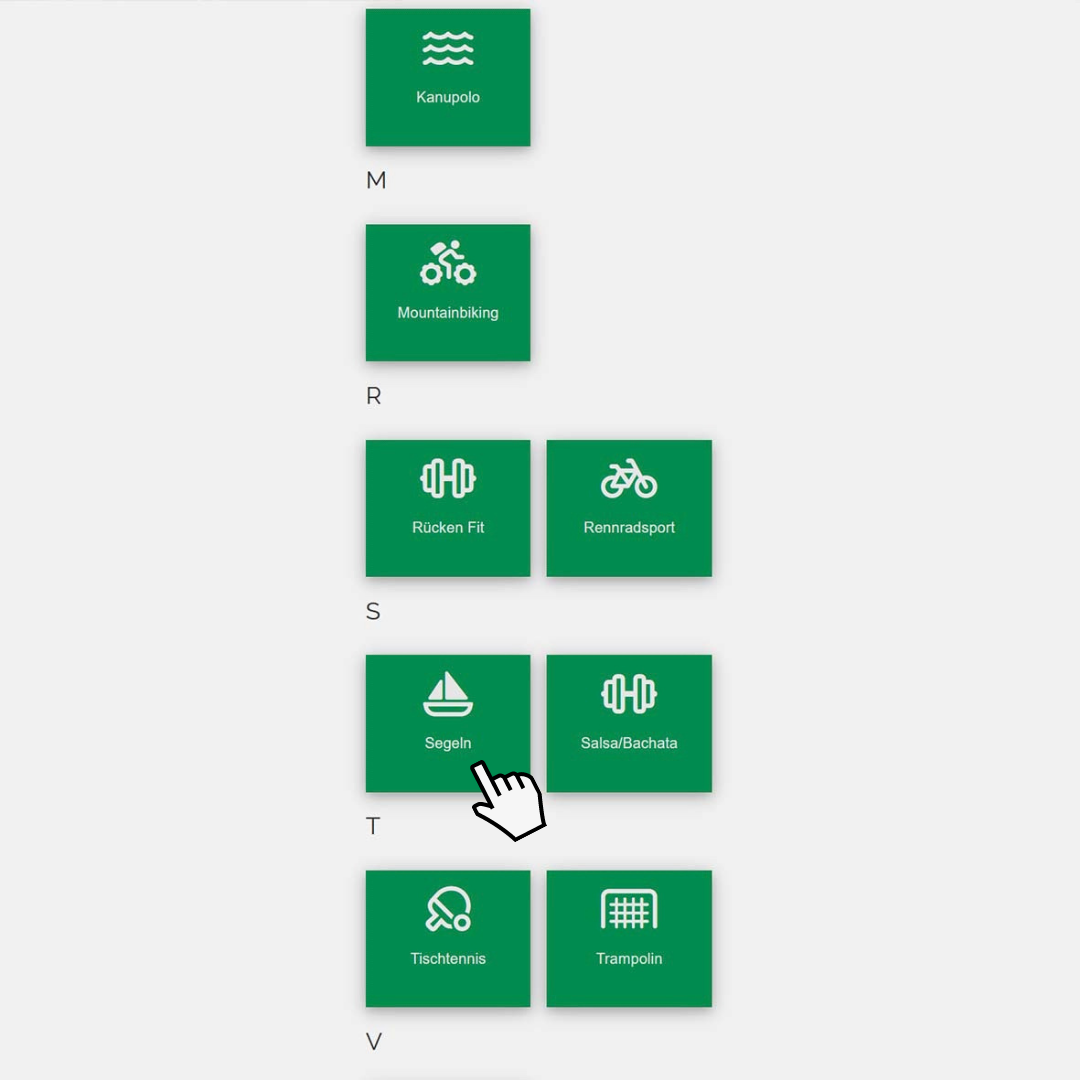
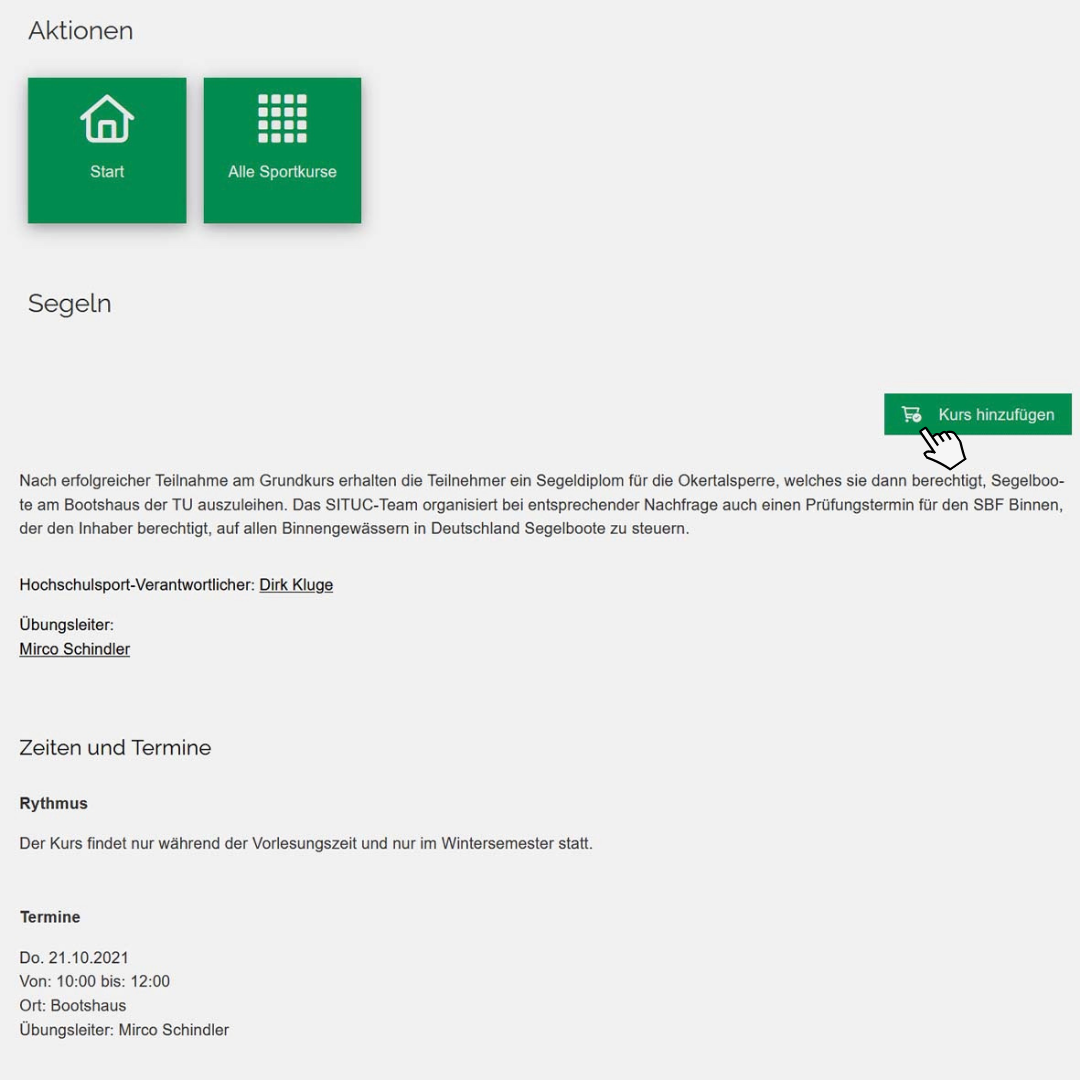
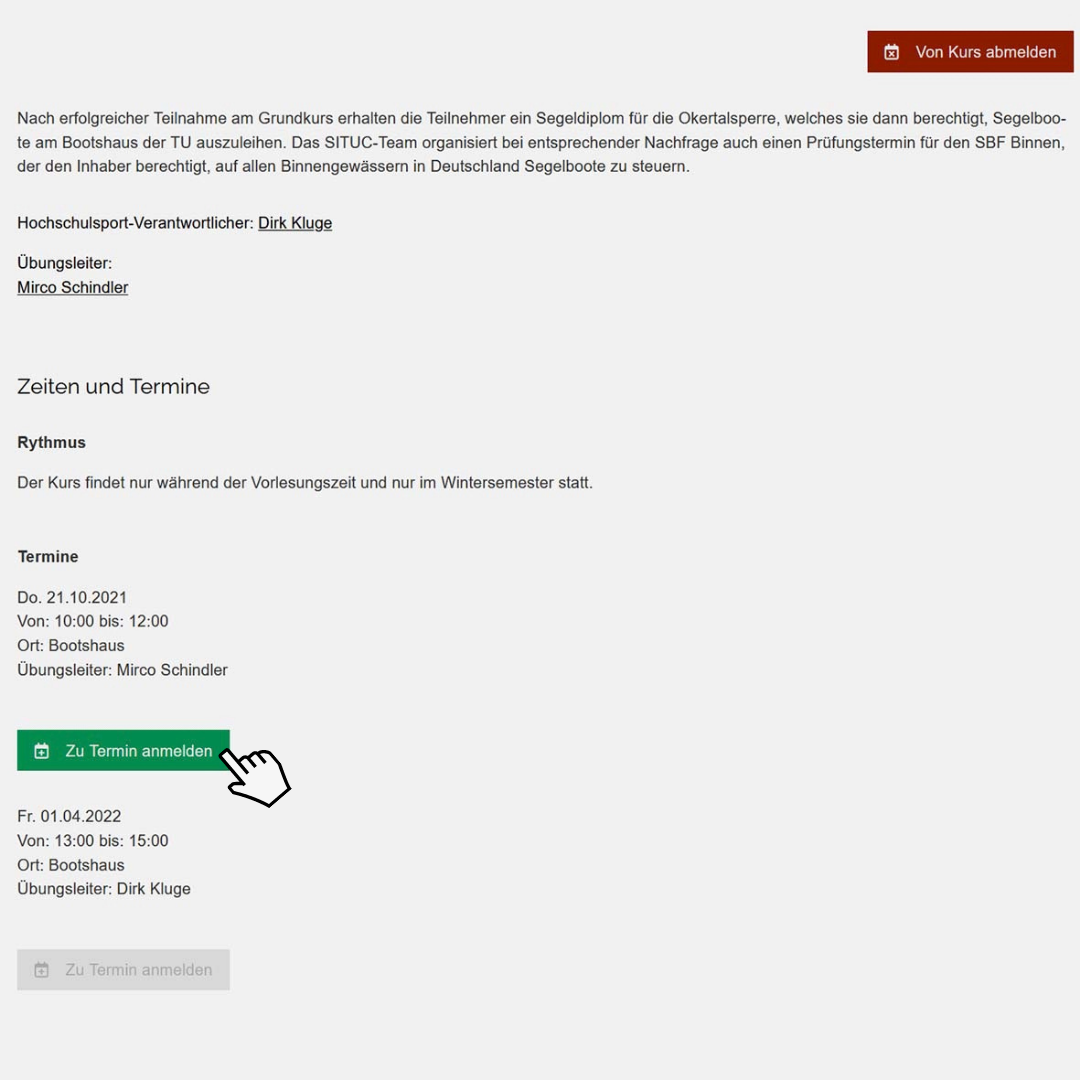
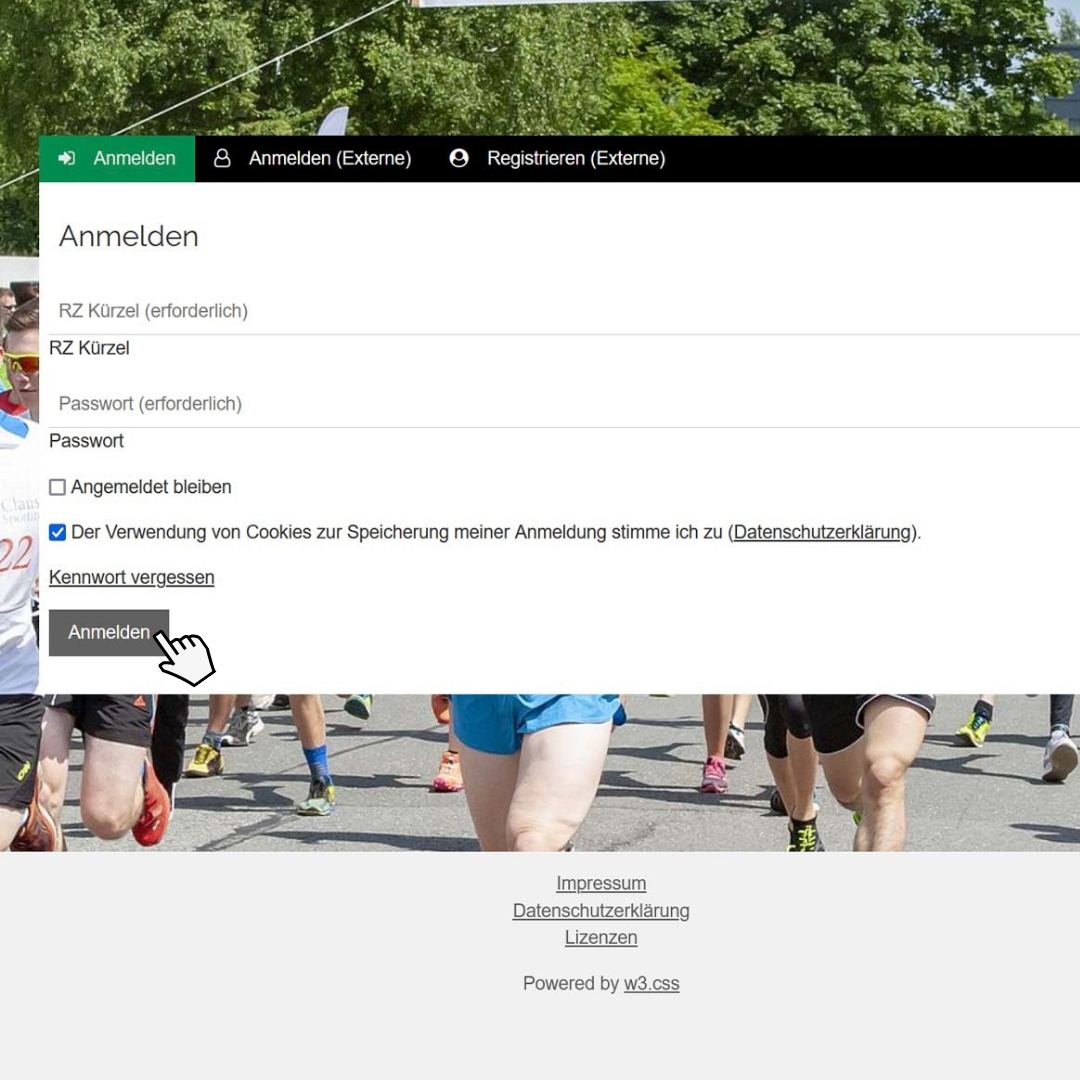
Once you’ve logged in, you can view all currently available fitness classes by clicking the “Add” button. If you’re interested in a class, select it to view all the details and schedules for that class. Click the “Add Class” button to add the class to your personal fitness schedule.